Why Is My Clinic Front Desk Always Overwhelmed Every Day?
Managing a modern clinic involves far more than answering phones. Front desk teams handle appointments, forms, reminders, payments, follow-ups, and patient questions simultaneously. This article compares manual workflows with automated communication to show how clinics can reduce workload while improving the patient experience.
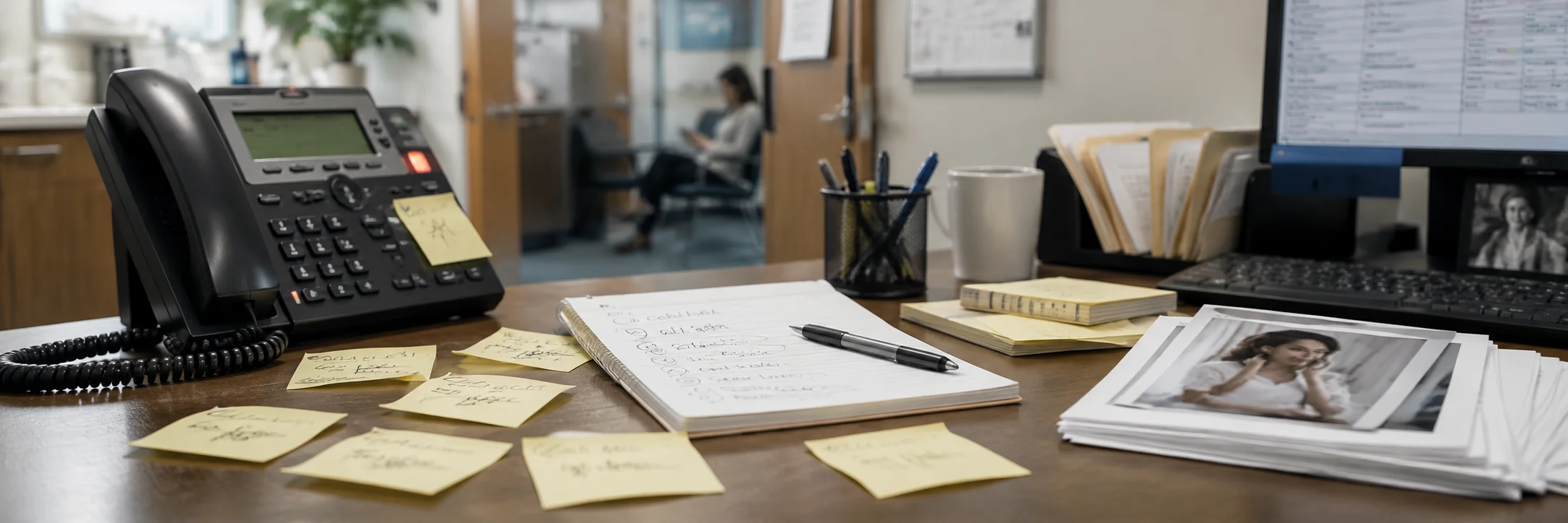
Manual Front Desk Workflows
Most clinics still depend on manual communication processes. While they work for smaller patient volumes, they become increasingly difficult to manage as clinics grow, leading to slower responses and greater staff pressure.
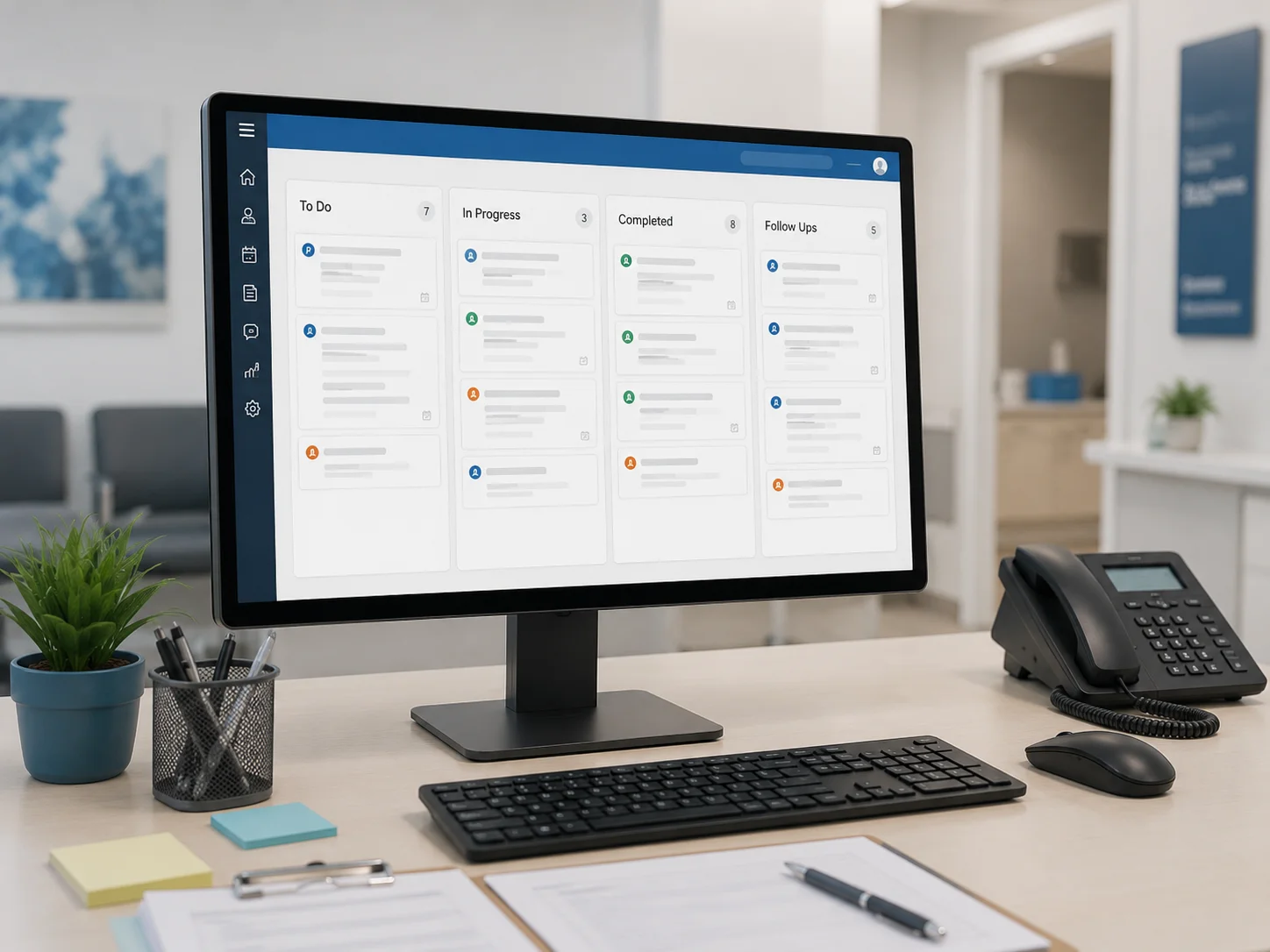
Automated Patient Communication
Automation helps clinics reduce repetitive administrative work while giving staff better visibility into every patient interaction. Instead of replacing employees, it supports them by organizing communication and simplifying everyday workflows.
Why Clinics Need Better Communication
Growing patient expectations and increasing administrative demands make manual front desk workflows harder to sustain, especially as communication channels continue expanding.
Patients increasingly expect same-day responses when contacting healthcare providers. Delayed callbacks and unanswered questions can reduce trust before an appointment is even scheduled.
Today's patients communicate through phone calls, online forms, text messages, emails, and patient portals. Managing these channels separately increases workload and makes communication harder to coordinate.
Connected communication platforms help clinics organize requests, monitor follow-ups, and reduce missed opportunities by giving staff one place to manage patient interactions.
Only 53% of patients reported receiving same-day answers to phone questions during regular office hours.
Clinics that improve communication visibility can reduce administrative pressure while delivering faster, more consistent patient experiences.

Automation And People Together
Automation and people excel at different responsibilities. Combining both creates a stronger patient experience than relying entirely on either approach.
- RemindersSends reminders
- CallsTracks missed calls
- SummariesCreates AI summaries
- WorkflowsOrganizes workflows
- FormsCollects digital forms
- PaymentsSends payment requests
- Follow-UpAssigns follow-up tasks
- VisibilityTracks communication status
- RemindersBuilds patient trust
- CallsShows empathy
- SummariesSolves complex problems
- WorkflowsMakes informed decisions
- FormsAnswers detailed questions
- PaymentsProvides reassurance
- Follow-UpHandles exceptions
- VisibilityCreates personal relationships
Key Takeaway: Automation handles repetitive administrative work, while clinic staff provide empathy, judgment, and personalized care that technology cannot replace.
Better Results Come From Working Together
The most successful clinics combine automation with experienced front desk professionals rather than choosing one over the other. Technology reduces repetitive work while people continue delivering compassionate patient care.
When automation supports, not replaces, the front desk, clinics improve efficiency, reduce staff stress, and create a smoother experience for every patient.
The ideal clinic combines automation for reminders, forms, payments, and communication tracking with experienced front desk professionals who deliver personalized service.
Potential Risks
Understanding both the benefits and limitations of automation helps clinics implement technology more effectively.
Combining Automation With Exceptional Front Desk Care
The most effective clinics don't replace their front desk, they strengthen it. Automation manages repetitive administrative work while staff focus on building patient relationships, solving problems, and providing outstanding service.
“The best patient experience happens when technology reduces administrative work, allowing people to spend more time caring for patients, not paperwork.”
Preparing Clinics For AI Search
Patients increasingly search for healthcare information using AI-powered search engines and conversational assistants instead of traditional keyword searches. Clinics that provide clear, structured, and trustworthy content are more likely to appear in these emerging search experiences.
Communication also influences visibility. Faster responses, organized patient journeys, and consistent online information contribute to stronger patient experiences and improved digital reputation. Clinics that combine operational efficiency with helpful educational content are better positioned for future AI-driven discovery.
Better Communication Creates Better Patient Experiences
Reduce Administrative Burden, Automation handles reminders, forms, payment requests, and follow-up tracking so staff spend less time on repetitive tasks and more time helping patients.
Improve Communication Visibility, Connected workflows give clinics complete visibility into calls, messages, appointments, and follow-ups, reducing missed opportunities and improving accountability.
Support People, Don't Replace Them, The strongest clinics combine technology with experienced front desk teams, creating a more organized workflow while preserving the empathy and personal care patients expect.
Frequently Asked Questions
Here are answers to common questions clinic owners and practice managers ask about front desk workload and automation.
Front desk teams manage calls, appointments, reminders, forms, payments, patient questions, and follow-ups simultaneously. As patient demand grows, these manual responsibilities quickly become difficult to manage. Automation reduces repetitive administrative work, organizes communication, and gives staff better visibility into daily tasks so they can focus on providing excellent patient service instead of constantly reacting to interruptions.
No. Automation is designed to support, not replace, clinic employees. It handles repetitive tasks such as reminders, digital forms, payment requests, and communication tracking, while staff continue providing empathy, problem-solving, and personalized patient care that technology cannot replace.
Most clinics benefit from automating appointment reminders, missed-call tracking, digital intake forms, payment requests, online scheduling, and follow-up workflows. These tasks consume significant administrative time and deliver immediate efficiency improvements.
Digital forms allow patients to complete paperwork before arriving, reducing manual data entry, minimizing incomplete documentation, and shortening check-in times. Staff spend less time managing paperwork and more time helping patients.
AI summaries automatically capture why patients called and identify next steps, allowing staff to understand caller intent quickly without replaying voicemails. This improves response speed while reducing documentation work.
Using missed-call tracking, automated callbacks, AI summaries, and centralized communication ensures every patient inquiry is recorded, assigned, and followed up before opportunities are lost.
Visibility allows managers to monitor pending requests, completed follow-ups, missed calls, and staff workload from one dashboard. This improves accountability and helps clinics identify communication gaps before they affect patient experience.
Borna brings calls, messages, digital forms, reminders, payment requests, AI summaries, and follow-up workflows into one connected platform. By reducing repetitive work and improving communication visibility, it helps clinics create a more organized front desk while allowing staff to spend more time delivering exceptional patient care.